
Supercharge Your Google Sheets With EasyAgent
EasyAgent jumps into your spreadsheets like a smart helper, cleaning data, updating values, and fixing formulas on command. It keeps your Sheets organized and accurate so you can focus on decisions, not cell chaos.
Transform Google Sheets Into an Automated Workspace
Turn long formulas, messy data, and endless updates into simple commands. Easy Agent becomes your smart spreadsheet assistant, trained to clean, calculate, and organize anything you need.

Smarter data, fewer mistakes

AI-powered calculations on demand

One command → multiple updates
Do More — Without Leaving Google Sheets
Keep your data, updates, and actions in one place while EasyAgent handles the heavy lifting behind the scenes.
- Clean Data in Seconds
Fix formatting, remove duplicates, and organize your sheet with a single command.
- Update Anything Instantly
Change values, refresh data, add rows, or adjust formulas without hunting through cells.
- Pull Insights on Demand
Ask for summaries, comparisons, or trends and get clear answers directly in your sheet.
- Automate Repetitive Actions
Schedule updates, trigger calculations, and let your agent handle recurring tasks for you.
Watch This Quick Demo to Get Started
See how your agent updates data, cleans sheets, and automates tasks — all with a single command.
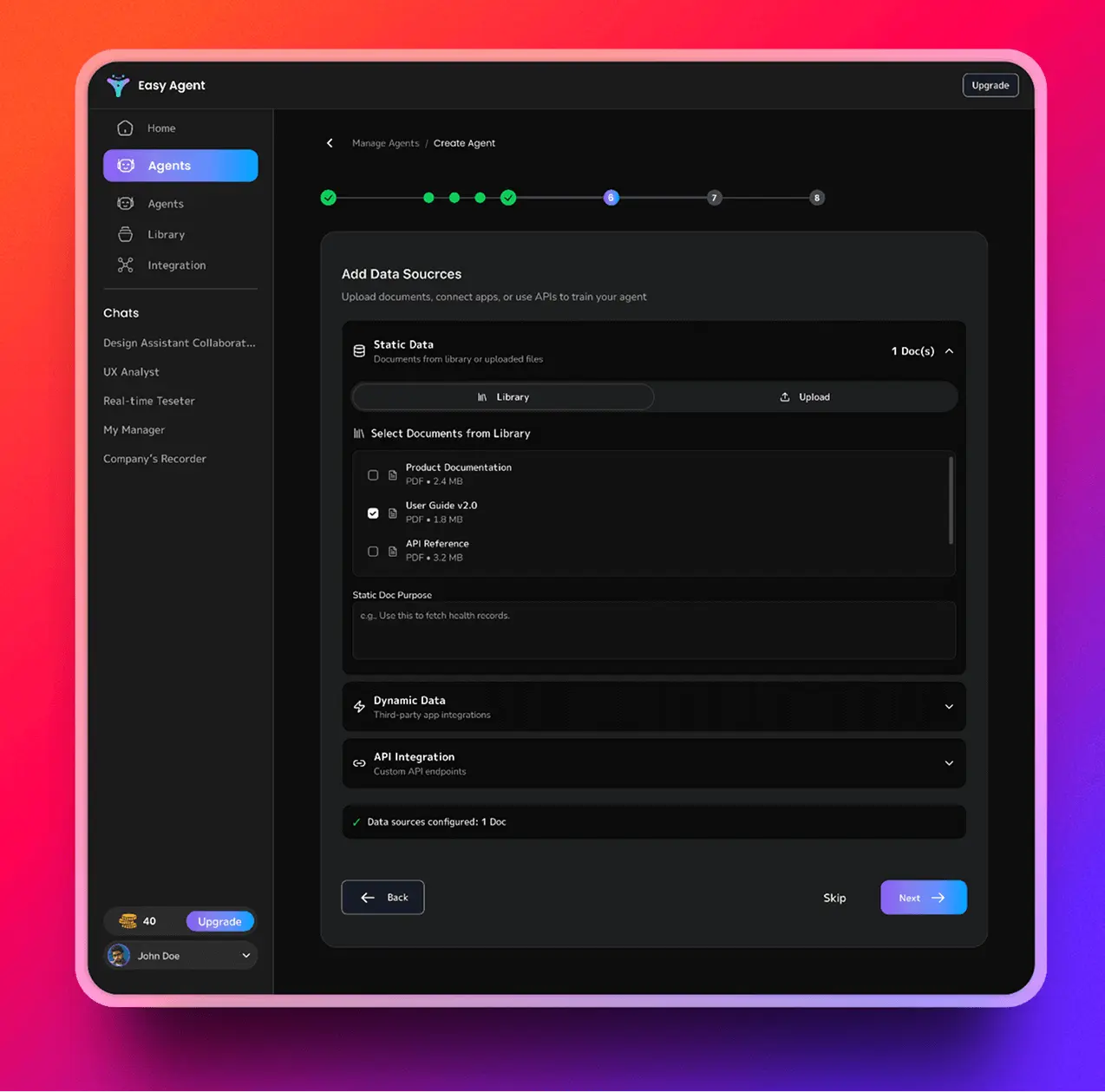
What You Can Do With EasyAgent in Google Sheets
Turn slow, manual spreadsheet work into fast, AI-driven actions that update, clean, and analyze your data in seconds.
- Clean and Organize Your Data
- Fix formatting issues instantly
- Remove duplicates with one command
- Standardize columns, dates, and text
- Transform messy sheets into clear, structured layouts
- Automate Your Updates
- Refresh values without touching formulas
- Auto-populate rows, columns, or new tabs
- Trigger routine updates on a schedule
- Run multi-step changes with a single request
- Calculate Anything on Command
- Generate totals, averages, trends, and comparisons
- Build projections in natural language
- Update formulas across entire sheets
- Pull instant summaries from complex data
- Connect Sheets With Your Workflow
- Sync data with Docs, Slack, HubSpot, and more
- Move information between tabs automatically
- Link Sheets with tasks, CRM items, or workflows
- Build cross-tool automation through your agent
- Turn Sheets Into an Insight Engine
- Highlight issues or anomalies instantly
- Get natural-language explanations of your data
- Create mini-reports inside your sheets
- Turn raw numbers into clear, actionable insights
Sheets Don’t Have to Be Hard. Just Tell Your Agent.
EasyAgent understands your plain-language instructions and handles complex Google Sheets tasks in seconds.
- Without EasyAgent
/slash commands + clicking through menus
- Manually cleaning rows and fixing formatting
- Searching across tabs for the right data
- Writing long, error-prone formulas
- Re-doing the same updates every day
- Copy-pasting values between sheets
- Clicking through menus for every small change
- With EasyAgent
Just ask in plain English:
- Done instantly
- No formulas
- No menus
- No repeated steps
How the Integration Works
Link your sheet once, and your agent can clean, update, and automate everything inside Google Sheets with natural language.

Connect Google Sheets
Sync your Google account in a single click. No scripts, add-ons, or manual configuration required.
- One-click OAuth connection with Slack
- No credentials shared or stored
- Enterprise-grade permission handling
- Works with existing Slack security policies
- Disconnect anytime from your dashboard

Select Your Sheet
Choose the spreadsheet you want your agent to work in and define what it should access or manage.
- Enable in public channels for team-wide visibility
- Allow access to private channels for sensitive workflows
- Use in group chats for focused collaboration
- Channel-level control (no global noise)
- Update permissions anytime

Start Commanding
Type what you need in plain English. Your agent cleans data, updates values, runs calculations, and handles workflows automatically.
- Ask questions in plain English
- Summarize long threads instantly
- Trigger workflows with simple commands
- Pull live data from connected tools
- Automate repetitive tasks without leaving Slack
Connect Your Sheet and Start Automating
Run your first command in minutes — no scripts, no setup headaches.
Trusted by Teams Who Move Fast
Real results, real time saved.

Ronald Richards
Gillette
“EasyAgent took the grind out of spreadsheets. What used to take me hours now happens in minutes. Cleaning data, fixing formats, updating numbers — it just gets it. Our team finally stopped fighting with formulas.”

Floyd Miles
Louis Vuitton
“I didn’t know how much time we were wasting until we connected Sheets with EasyAgent. Asking for totals, updating reports, creating new tabs — all natural language. It feels like having a smart analyst on standby.”

Darrell Steward
Ferrari
“We manage thousands of rows every week, and EasyAgent keeps everything clean and accurate. The bulk edits, the auto-updates, the summaries — flawless. Our workflow is finally smooth.”
Ronald Richards
Gillette
“We manage thousands of rows every week, and EasyAgent keeps everything clean and accurate. The bulk edits, the auto-updates, the summaries — flawless. Our workflow is finally smooth.”
Security You Can Rely On
Your spreadsheets and data stay protected. Every action is permission-based, encrypted, and never used to train AI models.
OAuth-based Google authentication
No sheet data is stored unless you enable it
Admin controls & revocable access
SOC2 / GDPR compliant infrastructure
Frequently Asked Questions
From setup to automation, here are the most frequently asked questions about using EasyAgent with Google Sheets.
How does EasyAgent work with Google Sheets?
EasyAgent connects through secure Google authentication and responds to natural-language commands. You can ask it to clean data, update values, run calculations, or automate workflows directly inside your sheet.
Will EasyAgent change my sheet without permission?
No. Your agent only works on the specific sheet you select and only performs actions you request. Nothing runs automatically unless you enable scheduled updates.
Do I need formulas or scripts to use it?
Not at all. You can still use formulas if you want, but EasyAgent handles updates and calculations through plain English — no scripting or technical setup required.
Is my Google Sheets data stored anywhere?
By default, no data is stored. EasyAgent processes your commands in real time and only saves information if you explicitly enable it for automation or scheduled tasks.
Can my whole team use EasyAgent on shared sheets?
Yes. Anyone with access to the sheet can use the agent (based on your permissions). You can also manage access, revoke permissions, or limit usage at any time.
What kinds of tasks can EasyAgent automate?
Everything from cleaning data and fixing formatting to calculating totals, syncing tabs, generating summaries, creating new sheets, and running scheduled updates — all from natural-language instructions.
Ready to Upgrade Your Google Sheets?
👋 Give your spreadsheets a smart assistant that cleans data, updates values, and automates work the moment you ask.