
Save time on writing and formatting while your agent handles updates, corrections, and cleanups — leaving you free to focus on the content that matters.
EasyAgent works seamlessly inside Google Docs as your always-on writing partner, editing, updating, and organizing your content without interrupting your flow.

Instant, High-Quality Writing Cleanup

Smart, Real-Time Content Updates

Always-Organized Document Management
Write, edit, update, and organize your documents while EasyAgent handles the heavy lifting in the background.
Get instant fixes, cleaner formatting, and sharper sentences without breaking your flow.
Your agent refreshes old info, corrects inconsistencies, and keeps every document accurate.
Pull details from Sheets, emails, or other sources without switching tabs.
EasyAgent manages structure, versions, and consistency so your workspace stays tidy.
Watch how Easy Agent saves minutes on every task — which becomes hours every week.
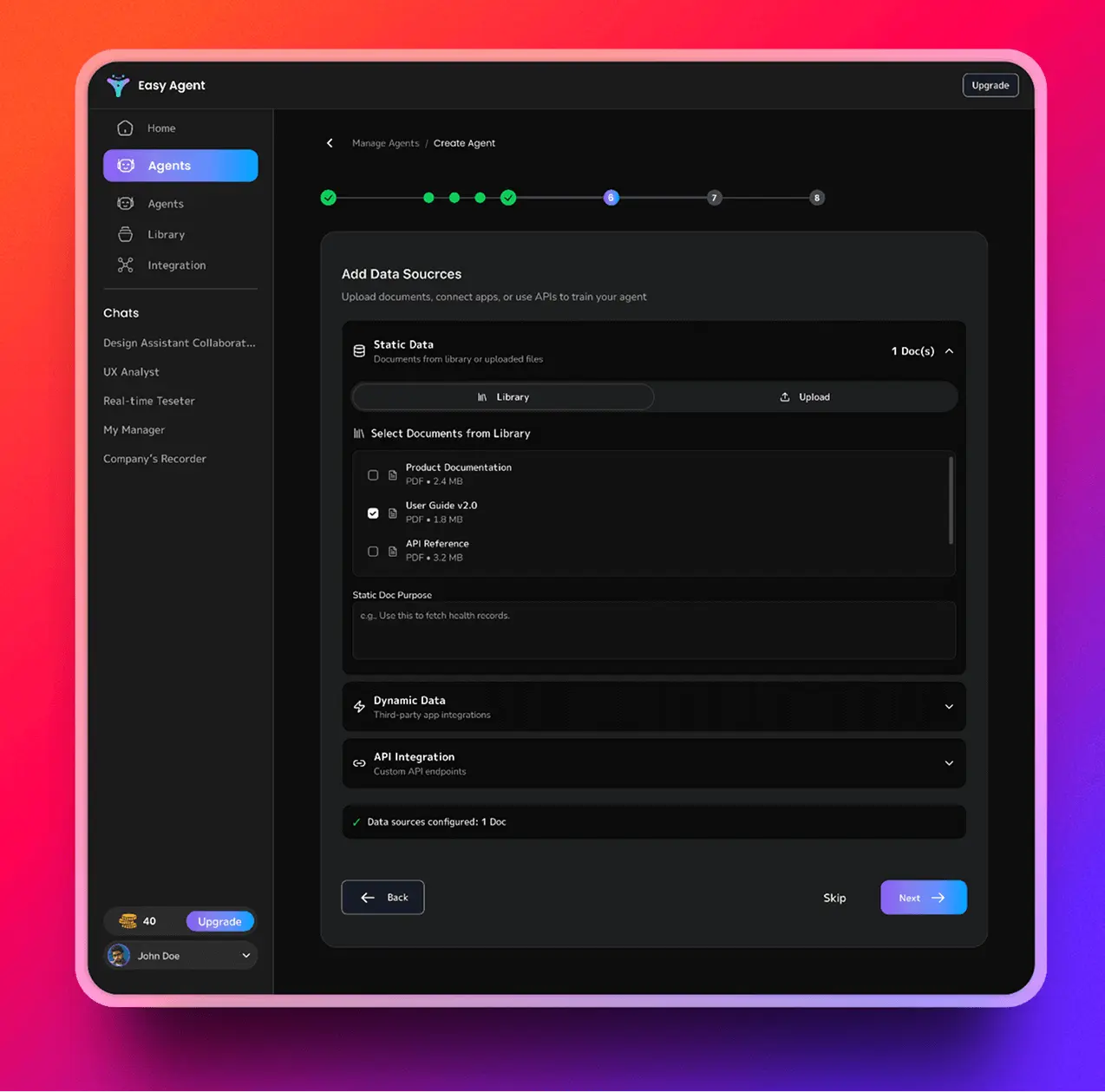
Watch how your AI assistant works inside Google Docs, handling edits, updates, and document workflows in real time. A quick preview of how your writing becomes faster, cleaner, and completely stress-free.
EasyAgent cleans, formats, updates, and organizes your Google Docs automatically — so you stay focused on ideas, not fixes.
Manual edits + endless formatting + constant back-and-forth
Step 1: Fix grammar and spelling
Step 2: Rewrite clunky paragraphs
Step 3: Adjust headings and spacing
Step 4: Update outdated sections
Step 5: Add missing info from Sheets or emails
Step 6: Reformat tables, lists, and layout
Step 7: Re-check everything again
Just ask in plain English:
Clean this doc, rewrite the intro, and update the numbers from the Sheet.
Connect Google Docs, teach your writing style, and start giving natural-language commands — EasyAgent handles the rest automatically.

Give your agent secure access so it can edit, update, and organize your documents.

Add examples and preferences so your agent understands how you structure and communicate.

Tell your agent what you need — edits, updates, rewrites, or cleanups — and it completes the work inside your doc.
Experience faster writing, cleaner documents, and effortless updates with an AI that works inside your workspace.
Real stories. Real productivity. Real time saved.

Gillette
“EasyAgent fits into my workflow so naturally. I used to spend hours fixing drafts, but now it cleans everything automatically. It really feels like a teammate who never gets tired.”

Louis Vuitton
“The best part is how natural it is. I just ask — rewrite this, update that — and it happens instantly. Our docs look cleaner and the team moves faster.”

Ferrari
“We handle tons of documents, and EasyAgent removed all the small headaches. Everything stays organized and up to date. We keep asking ourselves why we didn’t start sooner.”
Gillette
“It feels like having a helper inside Google Doc. I get quick summaries, status updates, and all the small things handled automatically.”
Your data stays private, encrypted, and fully under your control. EasyAgent works inside your tools without storing anything you don’t allow.
OAuth-Based Authentication
No Data Stored Without Permission
Admin Controls & Revocable Access
SOC2 / GDPR Compliant
Here are some of the most common questions teams ask about using EasyAgent with Google Docs. We kept the answers clear and straightforward so you know exactly how your data and access are handled.
No. EasyAgent never stores or copies your documents unless you choose to enable it. All processing happens inside your Google account, and is used for AI training.
Only through secure Google OAuth permissions. You decide what the agent can read or edit, and it cannot access anything you haven’t approved.
Yes. You can remove all permissions instantly from your Google security settings or the EasyAgent dashboard. Access stops the moment you revoke it.
EasyAgent works with SOC2 and GDPR-aligned practices, including encryption, access logs, permission-based operations, and controlled data handling.
No. Your files stay private unless you share them manually in Google Docs or grant workspace permissions.
👋 Start writing faster, updating smarter, and managing documents with zero effort — your AI assistant handles the rest.